Articles
Short, checked answers to what goes wrong between an iPhone and a computer: photos that don’t show up, Live Photos that come apart, HEIC, drives that fill up. Written by the developer, from support mail and our own phones.
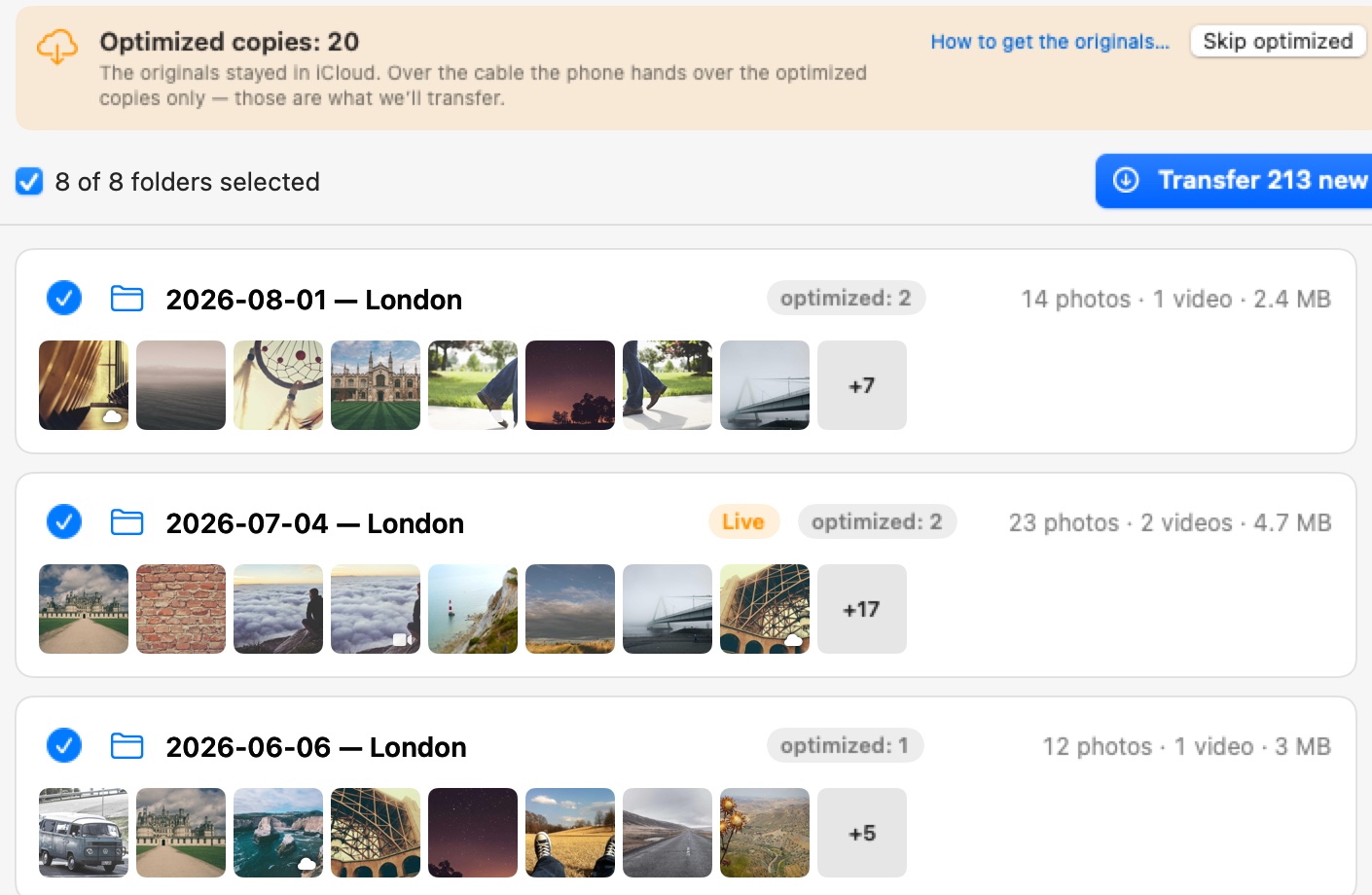
If you stop paying for iCloud, what happens to your photos?
Nothing is deleted the day you cancel, but with Optimize Storage on the originals may exist only in iCloud. Get them onto a Mac or a drive first, then turn iCloud Photos off and downgrade.

How to import iPhone photos straight to an external drive on a Mac
Move photos from an iPhone onto an external drive with a Mac, without filling the Mac’s own disk first. Image Capture, Photos and folders by date, step by step.
iPhone storage full? Move your photos to a Mac and delete them safely
How to move photos from a full iPhone to your Mac over a cable, check that nothing is missing, and delete them from the phone without surprises.
Image Capture not showing all photos: 6 causes and fixes
The count on the phone and the count in Image Capture differ for a handful of reasons. How to tell which one you have, and the one case where the files arrive but smaller.
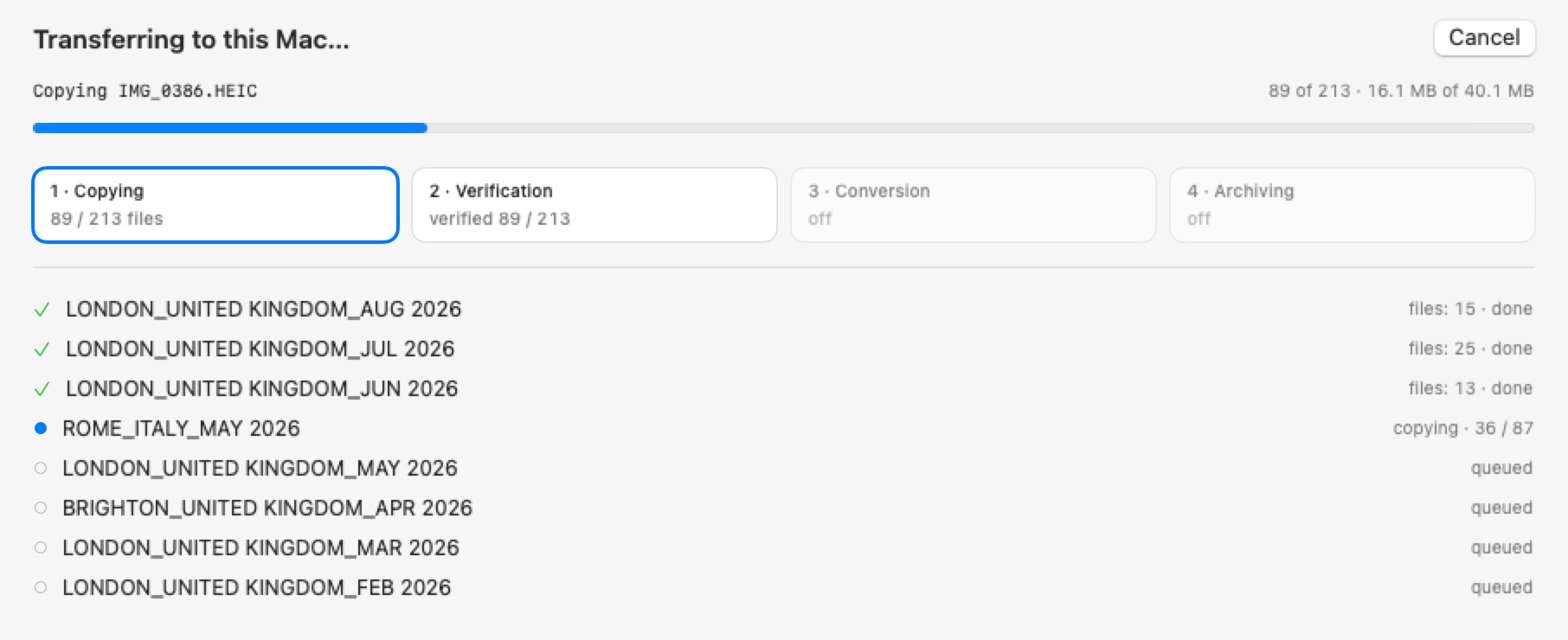
Photo Transfer for Mac shows the folders before it copies a thing
Plug in the cable, see the plan, get verified files on any disk. Free for 50 snapshots a day, $14.99 once for everything.
 Photo Transfer
© 2026 Viacheslav Koniukhov. Sold on this site by Paddle as merchant of record. Apple, iPhone, iPad, Mac, macOS and App Store are trademarks of Apple Inc. Photo Transfer is an independent product, not affiliated with or endorsed by Apple.